Wednesday, February 21, 2024

Decoding TV Technology: Choosing Between OLED, QLED, and More

Are you in the market for a new TV but overwhelmed by the myriad of options available? Join me as we unravel the complexities of TV technology and uncover the best choice for your home entertainment needs.

Navigating the TV Technology Landscape
With advancements in technology, choosing the right TV has become more challenging than ever. From Smart Array LED to Quantum OLED (QD-OLED), each TV technology offers unique features and benefits, leaving consumers spoilt for choice.
  • Smart Array LED: Entry-level LED TVs with basic smart features, suitable for budget-conscious consumers.
  • Quantum LED (QLED): Utilizes quantum dots to enhance color accuracy and brightness, delivering vibrant picture quality.
  • Mini-LED: Incorporates thousands of tiny LEDs for precise backlight control, offering improved contrast and HDR performance.
  • OLED: Known for its individually lit pixels, OLED TVs deliver unparalleled black levels and contrast, ideal for cinephiles and avid gamers.
  • Quantum OLED (QD-OLED): Combines the best of OLED and quantum dot technology, offering superior picture quality with enhanced brightness and color accuracy.
Decoding TV Technology: Choosing Between OLED, QLED, and More
Making the Right Choice: Why OLED or QLED Reign Supreme
Amidst the sea of TV technologies, OLED and QLED stand out as the top contenders for those seeking the ultimate viewing experience. Here's why:
  • Unmatched Picture Quality: OLED and QLED TVs boast superior picture quality, with deep blacks, vibrant colors, and exceptional contrast that elevate your viewing experience to new heights.
  • Long-Term Reliability: Built by reputable manufacturers, OLED and QLED TVs are designed to stand the test of time, ensuring years of reliable performance and enjoyment.
  • Future-Proof Technology: With support for the latest display standards and features, including HDR10+, Dolby Vision, and HDMI 2.1, OLED and QLED TVs are equipped to handle future content and technology advancements.
  • Immersive Entertainment: Whether you're watching movies, gaming, or streaming your favorite shows, OLED and QLED TVs offer immersive entertainment experiences that transport you into the heart of the action.
Conclusion: Invest in Quality, Invest in OLED or QLED
When it comes to choosing the perfect TV for your home, quality should always be your top priority. By opting for an OLED or QLED TV from a reputable manufacturer, you're not just investing in a television – you're investing in an unparalleled entertainment experience that will delight you for years to come. Embark on your TV-buying journey with confidence, armed with the knowledge of OLED and QLED superiority. Choose quality, choose satisfaction.
Sunday, November 19, 2023

Living with iPhone 11: Battery Drop Below 80% After 3 Years

Imagine this: You've been a faithful owner of the iPhone 11 for three years, meticulously following all the tips and tricks to maintain your device's battery life. However, despite your best efforts, you notice a significant drop in battery health, causing some concern and raising questions about the longevity of your beloved gadget. In this blog post, we delve into the perplexing world of iPhone 11 post 80% degraded battery, exploring what it means for your device's performance.

Battery Shock: Maintaining Optimal Charging Practices
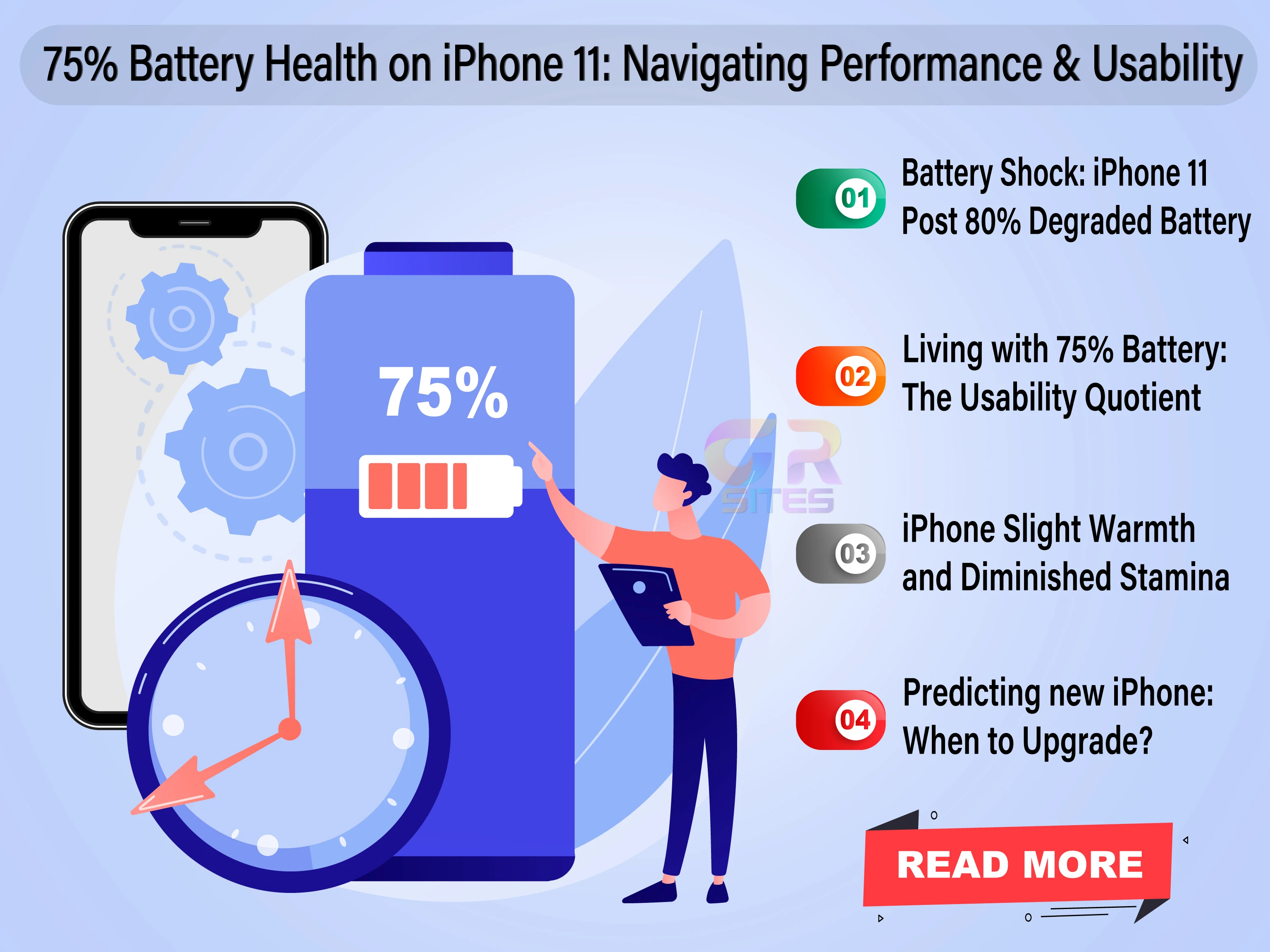
  • Unmasking the Drop: From 100% to 75% - After three years of faithful service, I found myself a disconcerting reality— battery health has plummeted below 80%. Despite my adherence to optimal charging practices, the noticeable change in the iPhone's behavior is impossible to ignore. 
  • Optimal Charging Practices: Myth or Reality? One of the first lessons we're taught in the smartphone realm is the importance of optimal charging practices. I religiously avoided overcharging, never let my battery drop to zero, and abstained from using third-party chargers. Yet, despite my devotion to these practices, my iPhone 11's battery health decided to take an unexpected nosedive.
Living with iPhone 11: Battery Drop Below 80% After 3 Years
Living with 75%: The Usability Quotient
While the numbers may seem alarming, living with a 75% battery health iPhone isn't as dire as it sounds. My iPhone continues to soldier on, displaying a predictable battery life that, albeit reduced, remains within the realms of usability. 
  • Slight Warmth and Diminished Stamina - As my iPhone 11 crossed the 80% battery health threshold, I noticed a palpable increase in its temperature. It was as if my trusty companion was running a fever. Alongside the heat, the battery life took a hit, shrinking by a notable 25%. The device remained usable, but the change was unmistakable. If my iPhone originally lasted a solid 6 hours on a full charge, it now struggled to make it through 4.5 hours.
  • Predicting the End: When to Upgrade? For me, the decision to upgrade my iPhone hinges on more than just a percentage on the battery health indicator. I wait for the day when the battery life becomes unpredictable, applications fail to respond promptly, and the phone starts to falter in day-to-day activities. It's not just about a number; it's about the user experience.
Conclusion: Navigating the iPhone 11 Battery Landscape
As I navigate the jumble of iPhone battery health, one thing becomes clear—it's a journey full of twists and turns. Despite my best efforts, the enigma of battery degradation persists. So, the next time your iPhone's battery health drops below 80%, remember, it's not just a statistic. It's a story of resilience, adaptation, and the evolving relationship between you and your trusty companion.In the end, the decision to upgrade is not solely dictated by a diminishing battery health number but by the overall performance of the device and user experience. Until then, I will continue my quest for the perfect balance between optimal charging practices and the unpredictable dance of battery life.
Thursday, October 19, 2023

Missing Link in Google Sheets: Sorting Your Version History

Google Sheets, the unsung hero of the spreadsheet realm. If you're anything like me, you've been using this online gem for quite a while. It's an essential tool for collaboration, number crunching, and creating the perfect to-do list. But my love for Google Sheets has a twist, a feature I yearn for. Let's chat about sorting options in the version history. In a world where digital documents are our bread and butter; Google Sheets is the right-hand tool we all lean on. But as loyal users, we're eager to see more. We're not complaining; we're suggesting a little upgrade that can turn Google Sheets from great to extraordinary.

The Google Sheets Marvel
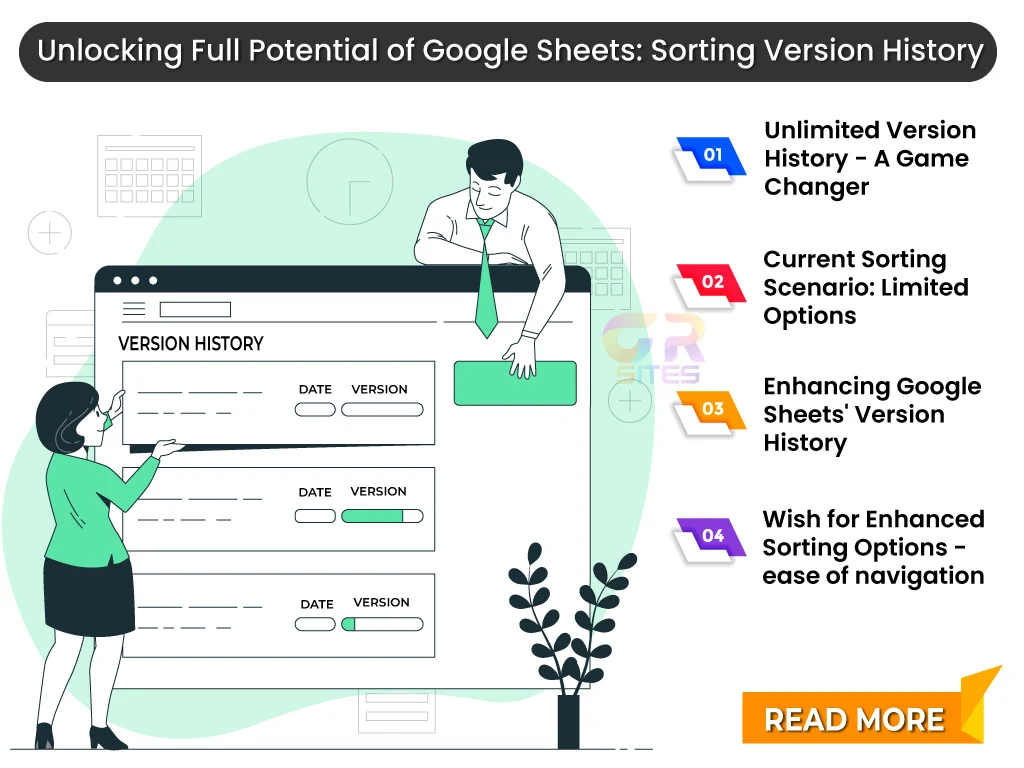
  • Unlimited Version History - A Game Changer: The ability to travel back in time through your document's history, comparing versions and restoring that oh-so-essential table from three edits ago - it's genius. Google Sheets offers the magic wand with its unlimited version history feature.
  • The Current Sorting Scenario: But here's where we need to have the talk. Currently, the sorting options are somewhat limited. You get to sort your versions by named versions (if you named them) and, well, by time. It's functional, no doubt, but we're hungry for more.
Google Sheets: Sorting Your Version History
The Yearning for More Sorting feature(s)
  • Sort by Date and Month -Picture this: you've been working on a colossal project for months. You need to look back and sort through the versions for June because that's where you made that game-changing pivot. But oh no, the current options don't let you do that. You can't sort your versions by date or month.
  • Number of Changes: The Secret Sauce - Your document has been edited countless times. Now, wouldn't it be fabulous if you could sort the versions by the number of changes? The ability to quickly spot versions where massive overhauls occurred would be a productivity game-changer.
  • Sorting Tabs - A Dream Come True: Google Sheet has multiple tabs, each with its version history. Imagine this: the power to sort by individual tabs. You can navigate through the changes made specifically in the "Marketing" tab, and then jump over to "Financials" without sifting through unrelated edits.
Conclusion: Making Google Sheets Even Greater
Sorting options like sorting by date/month, number of changes, and individual tabs are the missing links in Google Sheets' version history. They can save time, add flexibility, and enhance the user experience, all while making our workflow that much smoother. We've seen this platform evolve, and there's no doubt that the wish for enhanced sorting options in version history is on their radar. Until then, we'll navigate the current version history wisely and dream of the day when these enhancements become a reality.